Nothing to solve
Visitors complete the form and send it. Image grids and distorted words are where forms lose genuine enquiries, and Verify uses neither.
A certificate in the browser
Interlink Verify keeps a certificate in the visitor's browser. A site can ask for that person again. The same service checks a form in the background, without a puzzle, and neither you nor your visitors need a Google or Cloudflare account.
A passed check is one action. The same browser coming back is a returning holder. A person who was physically present is attendance. Those three are not a name.
A holder can ask for a further check. An over-18 result uses two camera frames and keeps no photograph. A legal name is read from a United Kingdom or Bermuda passport chip, or from a photograph of a passport page or a UK driving licence when the chip stays silent. The photograph, the date of birth and the document number are not kept. The site that uses a result stays responsible for its own rules. Your certificate is where a holder asks.
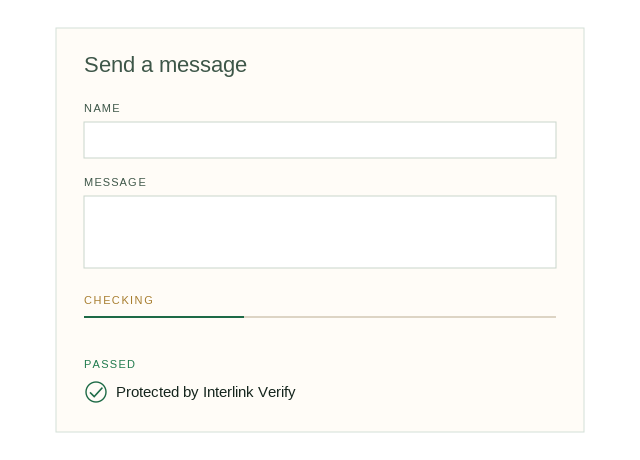
Paste one line of HTML and place the Verify element inside your form. Your site key tells us which website it is.
It runs in the background while they type. They are not asked to pick images or type distorted letters.
When the form is sent, your server asks Verify whether the check passed. The answer is about that one submission.
One calculation costs a visitor nothing they would notice. Someone sending thousands of automated submissions has to do it thousands of times, which makes bulk spam slow and expensive to run.
Visitors complete the form and send it. Image grids and distorted words are where forms lose genuine enquiries, and Verify uses neither.
The check does not ask anyone to read a picture or a line of bent text. There is no puzzle in the way of the form.
Verify sets no cookies and does not follow your visitors to other websites. The result your site receives is about one form submission, not about a person.
Site keys come from Interlink. You do not need a Google Cloud billing account or a Cloudflare account to use it.
Press the button to run the same check your visitors would. You will see how long it took and the result your server would receive. Nothing is stored.
Switching means replacing the script and changing one server call. Call or email us and we will help you make the change.
One script on the page and one check on your server. Use our hosted files, or host the two script files yourself.
A returning visitor can show they have passed before, without being tracked across the web. Returning visitors
Site keys are issued by Interlink. Tell us the website you want to protect and we will send your site key and secret.